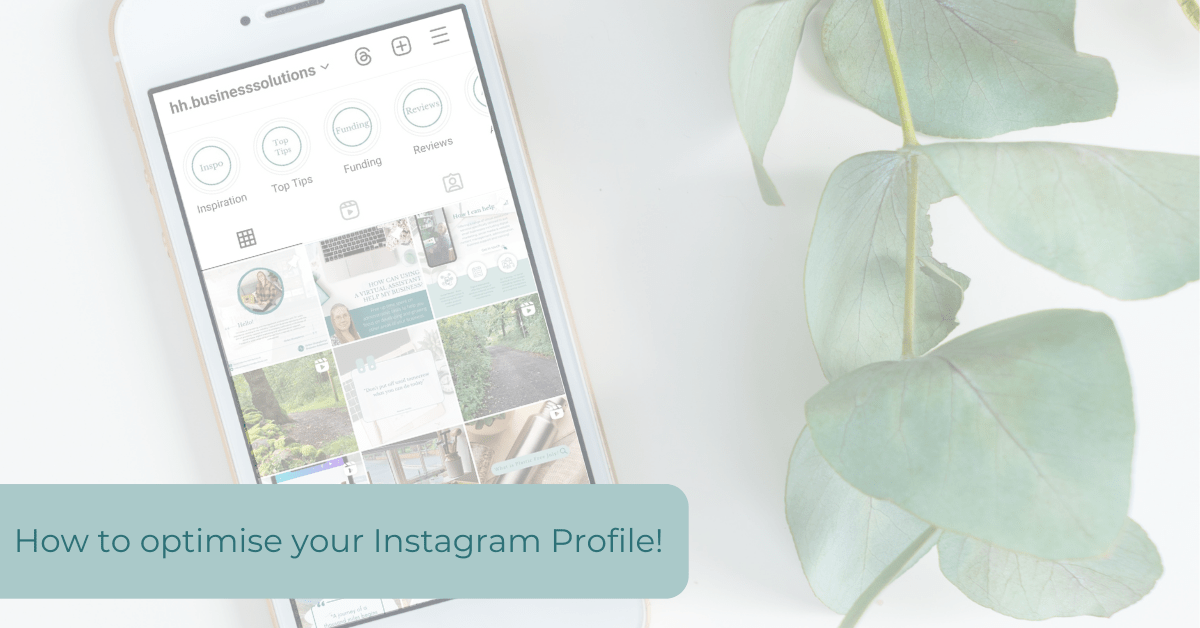
Your bio is the first thing that potential customers see when they visit your Instagram profile. It gives them a snapshot of who you are and what your business is about! Here are just a few tips on optimising your Instagram profile, to ensure that you make that lasting first impression!
- Profile image – Select an image that reflects your brand, whether it be a logo or a relevant photo.
- Category – Check that are setup with a ‘Professional Account’ and that you have added your relevant category! (e.g. product/service, shopping & retail, restaurant etc)
- Contact Options – Ensure that all your contact details are added including email address, phone number and that all important location, so that people know where you are and how they can reach you.
- Action – If the action button options are relevant to your business (e.g. book now, order food, reserve), then make sure that you add one to your profile as a call to action!
- Links – Add weblinks to your website, online shop, booking site etc. You no longer need to add a link to a third party site that shows a list of links. Instagram now gives you the option to add multiple links to your profile, so get adding! If you still wish to have a customised landing page though, consider creating one on your own website so that your site gets the traffic!
- Bio – You have a limited amount of characters so make it short and snappy, including keywords relevant to your business.
- Pinned posts – If you have posts that introduce your business, services, product ranges or latest offers, consider adding these as pinned posts to the top of your profile, so that they will be the first posts that new visitors to your page will see and give an overview of what your business is!
- Posts – When adding posts, make sure that you make every effort to get them to meet your target audience! Tag people and relevant products, add a location and alt text to your images and don’t forget your hashtags!
- Stories – If you’re regularly sharing stories to give users a greater insight into your business, then consider adding these to ‘highlights’. Stories are only displayed on your profile for a short amount of time, but by adding them to ‘highlights’, they can have a lasting presence on your profile. You can have multiple ‘highlights’ buttons, or as I think of them folders, which you can categorise (e.g. reviews, what’s on, menus etc). Make sure that you name these to reflect the content contained within them and add relevant cover images/buttons to make them stand out and reflect your branding.
Whether you’re setting up your profile from scratch or reviewing and updating it, I hope that this gives you a few pointers! Need a little extra help in setting up your profile, reviewing or updating it? Get in touch to see how I can help!
 Helen Humphreys Business Solutions