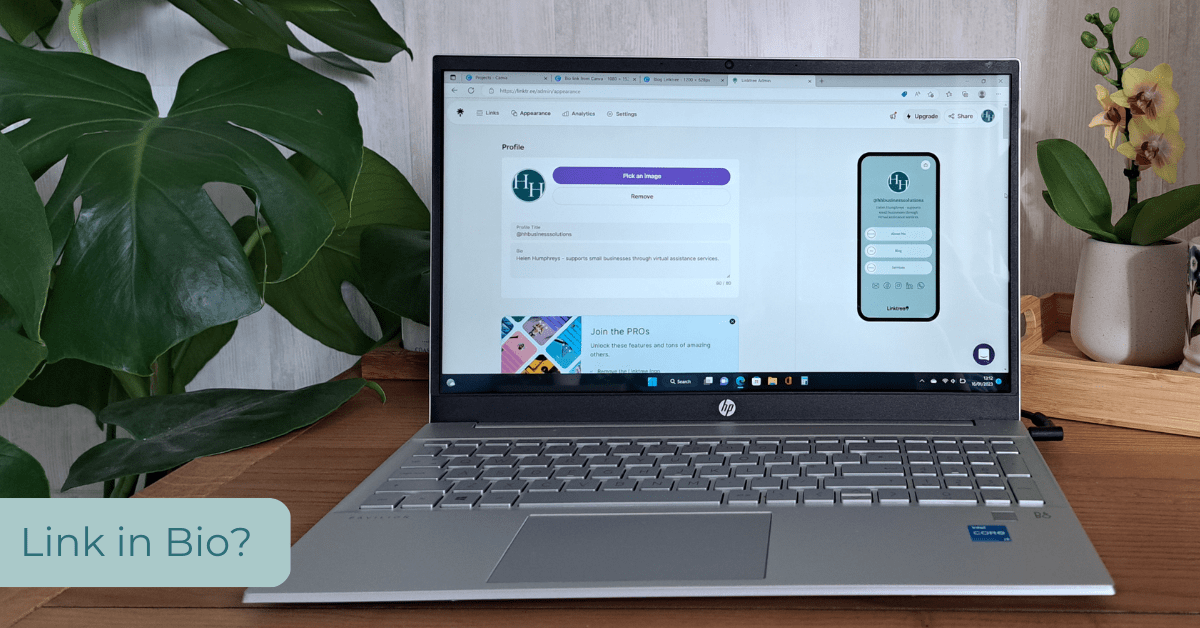
‘Link in Bio’ has become a popular call to action in the world of social media, particularly when it comes to Instagram. There’s no functionality to add a link into your post, so what do you do when you can only add just one link to your bio?! This dilemma has led to the rise in popularity of third party services such as Linktree, Linkin.bio, Campsite and Canva, which has recently added the functionality.

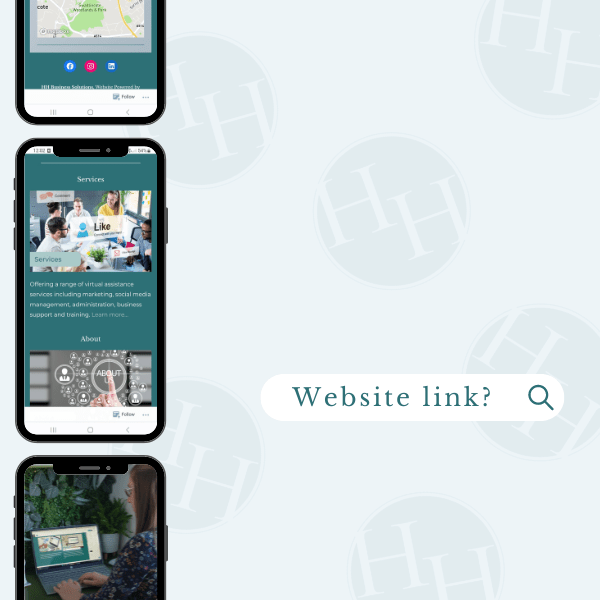
If you are looking at adding a landing page of links to your bio, the question that needs to be asked first is ‘Do you have a website?’
Your website is an important form of content marketing and one of your most powerful tools! If you have a website which is easy to navigate and contains all the content and links etc that you wish to share, then why not link directly to it! If you like the look of some of link pages out there and want to achieve the same look, then create a landing page of links within your own website. Here are a few reasons why using your website is the best option!
When sending users to your website, you want it to be in the least number of steps possible. Adding your website as the link in your bio ensures that traffic is driven directly to your website, with no extra steps ‘added in’ along the way via third parties. By sticking with your website, it means that you have greater control over your content and branding, which is often harder when using free or budget options elsewhere. Customers will become more familiar with your web address by seeing it, and the the direct traffic will also benefit your SEO!
If your ‘link in bio’ stops working due to your website going down, you have more control over it. Whereas, if a third party service goes down due to it crashing, other issues or maintenance, you will have little control over it and rely on them sorting the issue. Likewise, if that service discontinues, you can lose your link and your content on their platform, essentially you are technically only ‘renting a space’ on there.
However, that is not to say that these services don’t have their uses! Maybe you don’t currently have a website, your current one has limitations or is under construction! I’ve recently tested two services currently available including Linktree and Canva.
Linktree is one of the most commonly used and recognised services. It is simple to use but is basic in it’s appearance when using the free version. In terms of branding, it is possible to add your company logo, add images for the buttons and change the colours of the page to brand colours. However, in terms of background and font, there are limited options. You can add a variety of links to your list as well as icons linking through to your email and social media accounts. The Linktree logo is prominently displayed at the bottom, which reminds the user that this is using a service other than your website.
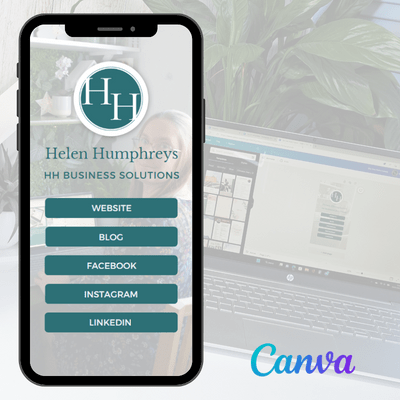
If you are already subscribing to Canva Pro, then you may or may not be aware that Canva has recently added the option for creating a ‘link in bio’ page as a design within your account. This can be created by searching ‘bio link’ and selecting a template. You can then make changes to the design, adding in your own branding (colours, fonts, images) and adding your links. I found this a lot more user friendly, in terms of adapting the design to my branding. The added benefit of this one was that although the link obviously highlights that it’s using Canva, there is no reminder to the user within the design as it also doesn’t display the logo. Canva is increasingly adding new tools and services, the only thing that I have in the back of my mind is that as we rely on it more, we are still only ‘renting space’ and this could be removed at any time! For now, I’ll be sticking with my website!

Ultimately, it’s what suits you individually as a business. As always, I’m not here to judge, just to give a little insight into what I’ve learnt through my own experiences working for myself and clients!
 Helen Humphreys Business Solutions